
Email Validator
Gainsight NXT
The article describes admin steps for validating an email ID and concepts around email delivery.
Overview
The Email Validator helps Admins check whether an email address is in the deny list from receiving email communication. If the email is present in the deny list, Admins can remove the email ID from the deny list, so that the contact can receive further email communication. Admins can also view the reason for the deny list when they validate an email address. The Email Logs make a clear distinction between the hard bounce and soft bounce emails.
When an email fails to deliver, it typically falls into one of two categories:
- Hard Bounce: A permanent delivery failure caused by issues such as an invalid or non-existent email address, an invalid domain, or a permanent rejection by the recipient’s server. These addresses are usually added to suppression lists and will not receive future emails unless the issue is resolved and the suppression is cleared.
- Soft Bounce: A temporary delivery failure caused by conditions such as a full mailbox, temporary server issues, message size limits, or rate limiting. These are usually transient, and delivery may succeed if retried later.
Check Hard/Soft Bounce
You can check for a hard/soft bounce using the following methods:
- In Report Builder, using Email Logs or Email Raw Events as the source object. For more information on building reports, refer to the How to Build Basic Reports article.
- In Administration > Communication > Email Validator, enter an email address to see their status.
An email address that has recently failed delivery may still appear as valid in the Email Validator due to the following reasons:
- The validator primarily checks suppression and opt-out data, and does not account for all delivery failures.
- Soft bounces do not always lead to suppression.
- There may be a delay before certain delivery failures are reflected in validation results. As a result, an email address may pass validation but still fail to receive emails.
- An email ID is added to the deny list when a hard bounce occurs.
- It is assumed that you already know the email address.
Validate Email ID
It is important to distinguish between validation and deliverability. Validation determines whether an email address is allowed or suppressed, while deliverability depends on additional factors such as mailbox availability, server conditions, message content and filtering, and domain authentication and reputation. As a result, an email address may be valid but still not successfully delivered.
To validate an email ID take the following steps:
- Navigate to Administration > Communication > Email Validator.
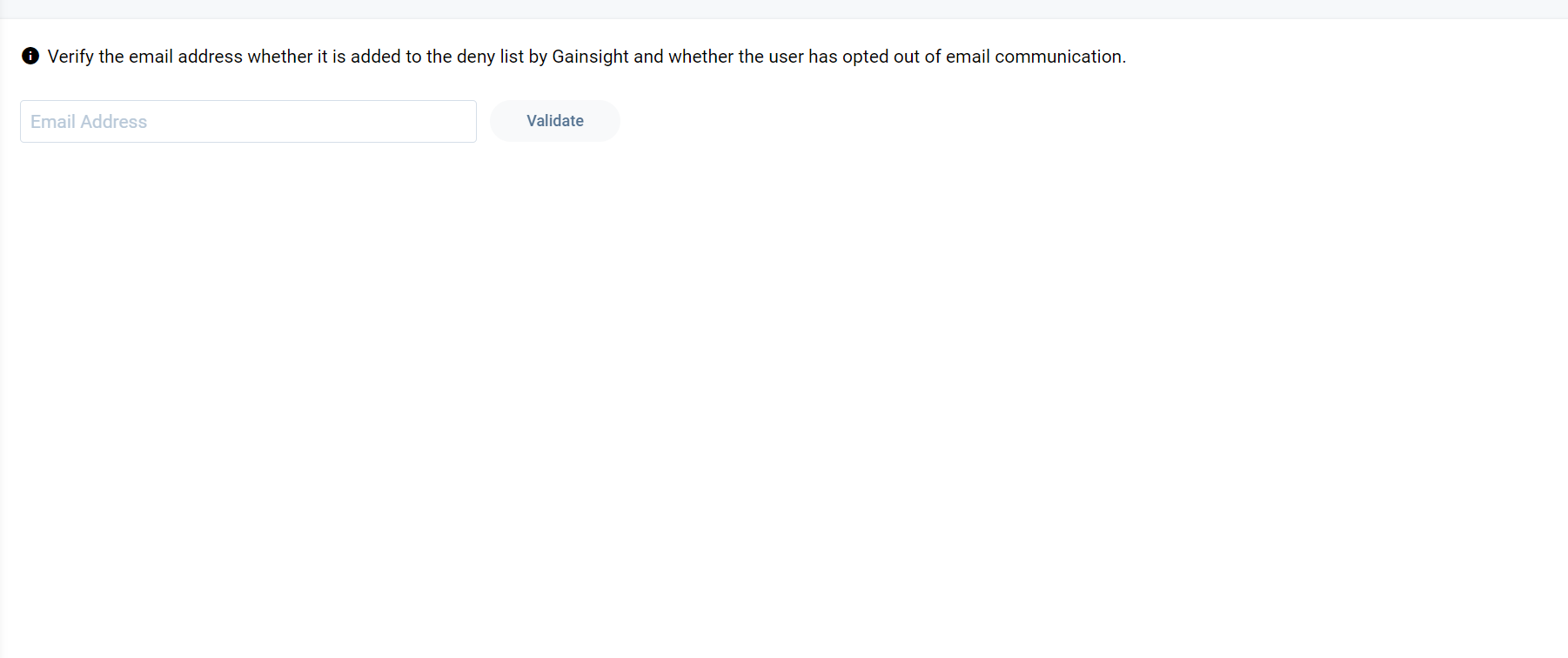
- In the text box, enter the email ID (in all lower case letters).
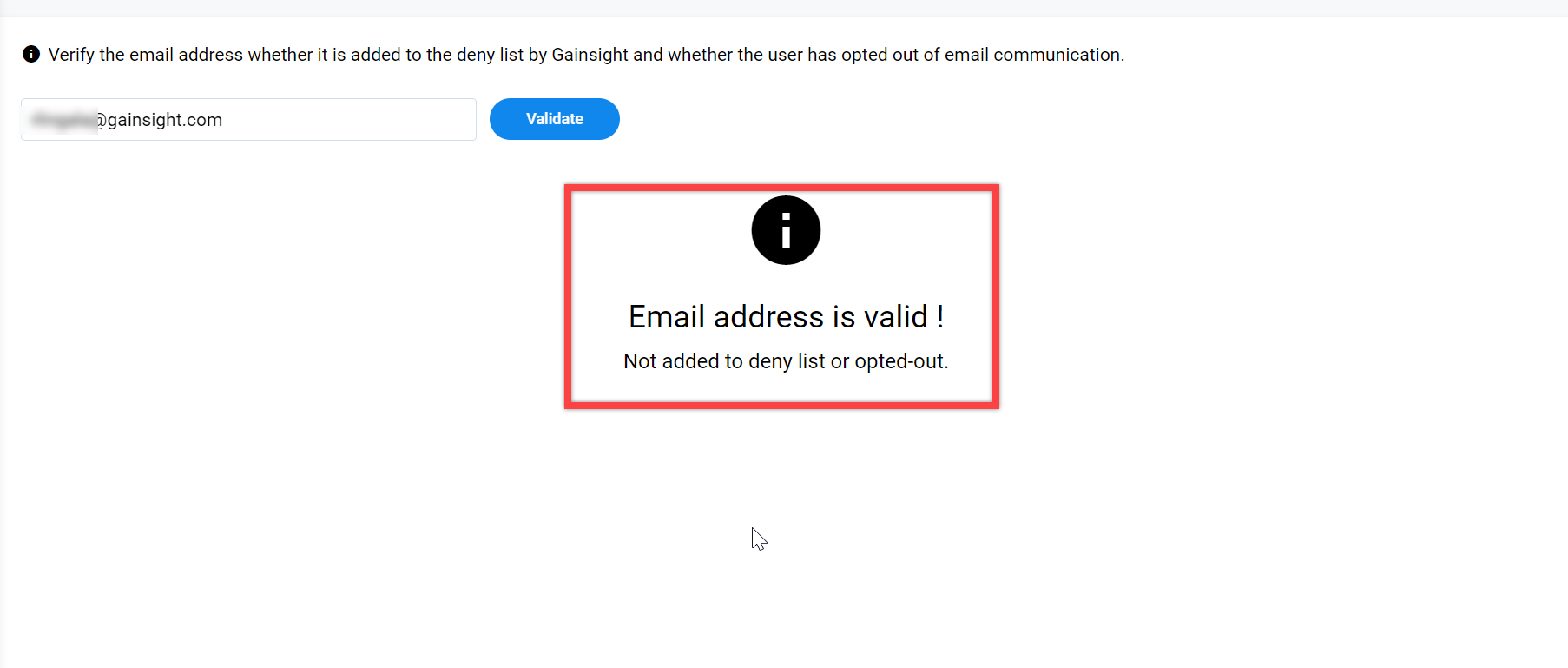
- Click Validate. If the email ID is valid and is not in the deny list, the following message appears
If the email ID is in deny list, the reason for deny listing appears in an icon.
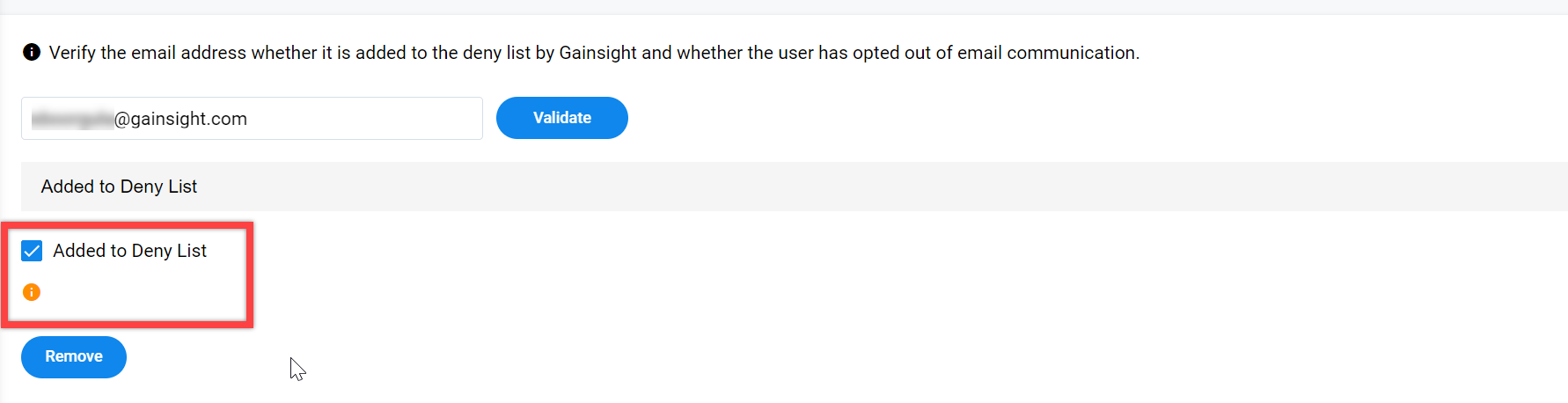
- Select the Added to Deny List checkbox, and click Remove to remove the email ID from the deny list.
Best Practices
To effectively troubleshoot and resolve email delivery issues:
- Review email delivery logs to identify the exact failure reason.
- Retry sending after a soft bounce, as temporary issues may resolve on their own.
- Ensure email addresses are accurate and up to date.
- Monitor repeated soft bounces, as they may indicate underlying issues.
Limitations of the Email Validator
While helpful, the Email Validator has some limitations:
- It does not capture all real-time delivery issues.
- It may not detect mailbox-level filtering or quarantines.
- It does not provide detailed bounce reasons.
- It cannot assess factors such as sender reputation or content filtering.
- Corporate email systems may filter or quarantine emails without notifying the sender. Temporary rejections may occur on the first attempt but succeed on retry. Some domains may accept emails initially but reject them later.