IMPORTANT
The functionality described in this article is not applicable to the Skilljar Starter package.
Submit a Product Idea
If you have an idea to share, follow the steps below to submit it:
Select the 'Ideas' tab
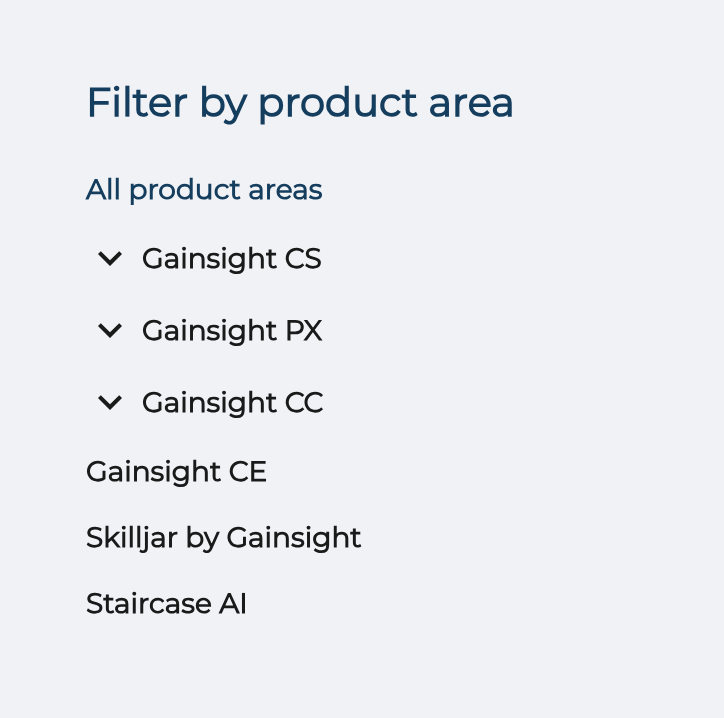
Scroll down the page to 'Filter by product area'
Select 'Skilljar by Gainsight'
Select 'Create an Idea'
Login to your Gainsight Customer Community account or create an account
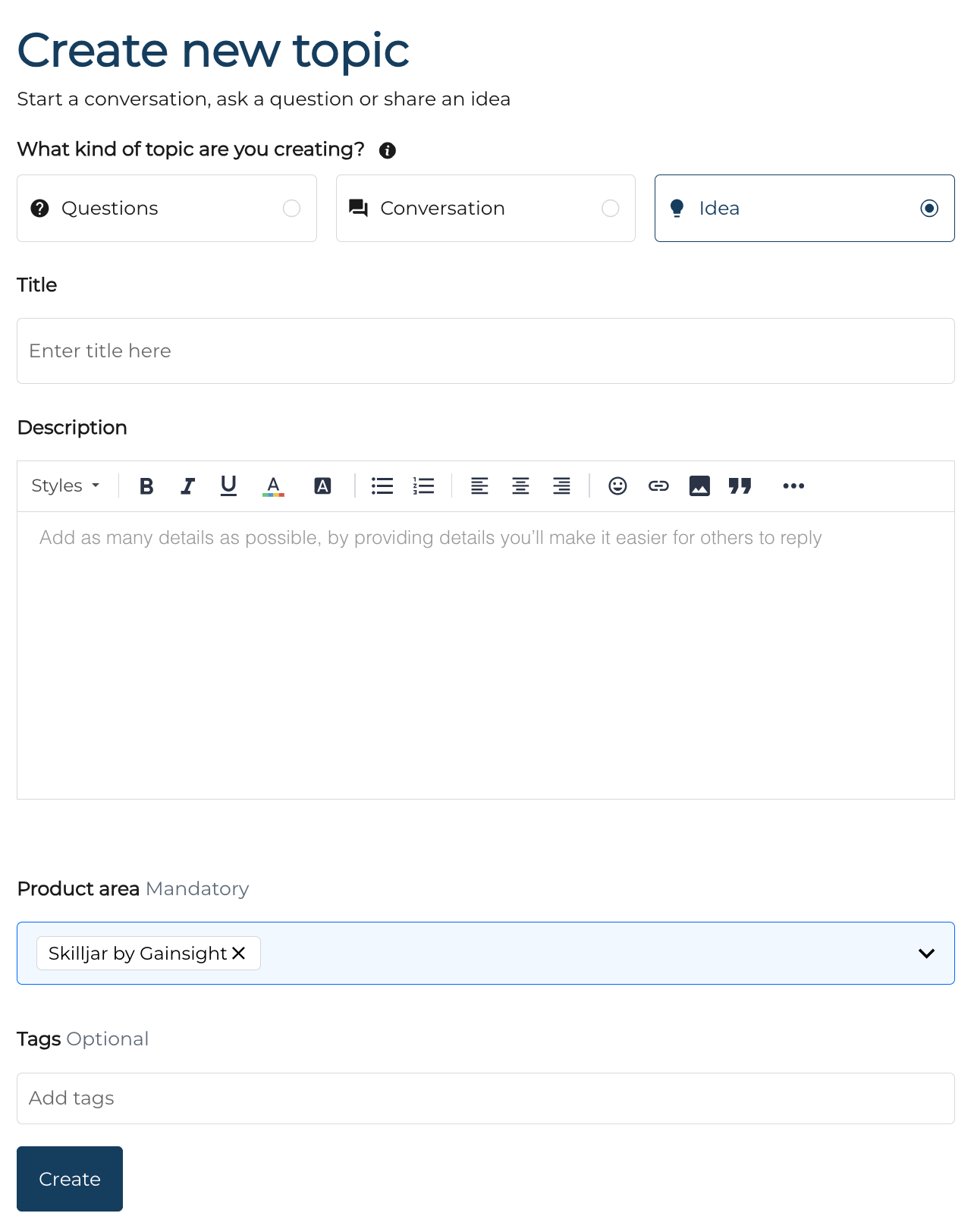
On the 'Create new topic' page, select 'Idea' as the topic type. Add a clear title and a detailed description—more context helps our team understand, respond, and evaluate your idea effectively.
Subscribe to Product Updates
Select the 'Product Updates' tab
Select the 'Subscribe' button on the right, if you are not logged-in, it will prompt you to login to the Gainsight Community or create an account.
Note: When you subscribe to Product Updates, you’ll receive an email whenever a new update is posted—across all of Gainsight’s product areas.