
Localization and Language Packs
Use language packs to localize your Skilljar training site for international audiences. Learners can view Skilljar-provided text in their preferred language, and supported account-related transactional emails can also be sent in their preferred language.
Accessing language settings
Access language settings via the Languages page on your Skilljar dashboard, or by expanding the Theming header and selecting Languages. 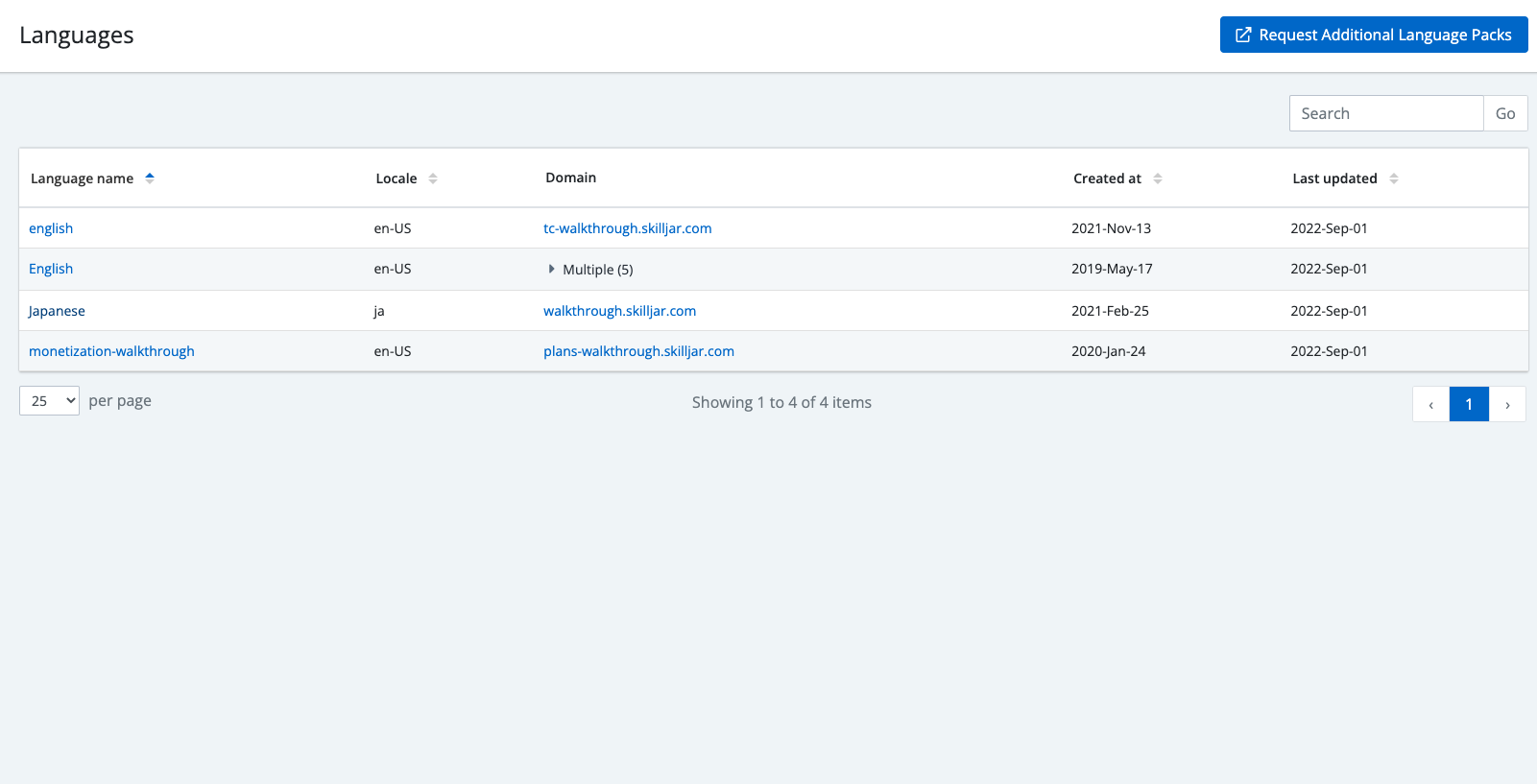
Supported Languages
Along with English, students can choose from these supported languages:
- Cantonese
- Chinese (Traditional)
- Chinese (Simplified)
- Czech
- Danish
- Dutch
- French
- German
- Indonesian (Bhasa)
- Italian
- Japanese
- Korean
- Norwegian
- Polish
- Portuguese (Brazilian)
- Russian
- Spanish
- Swedish
- Thai
- Turkish
If you require additional languages that aren’t listed, please contact your Customer Success Manager.
Adding language packs.
The Language page lists all of the language packs currently available to you. English is available by default, but you can add more language packs to your training site. For supported languages, see the Supported Languages section below.
To add language packs from the languages page:
- Select Request Additional Language Pack.
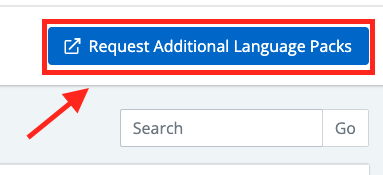
- Complete the support request form and select Submit.
Note: This will create a ticket for our support team, who will work with you to add the languages you require.
Customizing Language Strings
You can customize Languages and specific text strings to align the voice and tone of your training site with your company’s brand. To learn more, see Customizing a specific language pack.
Learner Experience Saved Localization Preferences
When learners first access your Academy, they can self-select from a list of available languages, and all text strings that are defined by Skilljar will be displayed in that language. Learners self-select via the language picker in the footer of your Academy or the dropdown on their profile icon. For authenticated learners, this selection is now saved directly to their learner profile and applied automatically on every future visit across all devices, browsers, and domains.
.png?revision=1)
Localized Learner Emails
Skilljar provides automatic translation for the following account transactional emails, ensuring they are delivered in the learner’s preferred language:
- Password reset
- Email verification
- Email change confirmation
- Enrollment and domain invitations
- No setup or translation is required. Skilljar automatically provides translated email content for the languages your organization supports.
- If your organization does not have additional language support, Skilljar uses English (U.S.) by default.
How Skilljar Selects the Language
Skilljar determines the language based on the following hierarchy of availability:
- Learner's saved language preference
- Learner's current site language
- Organization's language priority
Skilljar determines the language for specific email communications based on these criteria:
|
|
Language selection |
|---|---|
|
Password reset |
Saved language preference, followed by organization language priority. |
|
Email verification |
Saved language preference, followed by organization language priority. |
|
Enrollment or domain invitation |
Saved language preference, followed by organization language priority. |
|
Email change confirmation |
Saved language preference, followed by current site language and organization language priority |
Frequently Asked Questions
How does Skilljar select the email language?
Skilljar uses the learner's saved language preference first. For email change confirmations, it can use the learner's current site language if no preference is saved. Otherwise, Skilljar uses your organization's language priority.
Why did a learner receive an email in a different language from the page they viewed?
Password reset, email verification, and invitation emails do not use the learner's browser language. If no saved language preference exists, Skilljar uses your organization's language priority.
What is my organization's primary language?
Your primary language is the first language in your organization's configured language priority. Skilljar uses it as the fallback when no learner-specific language is available.
To confirm or change the language priority, contact Skilljar Support.
Do I need to enable or translate localized emails?
No. Skilljar automatically provides translations for supported transactional emails.
Can I customize localized transactional emails?
No. Skilljar uses standard translations. Language string customizations on the Languages page do not change transactional email content.