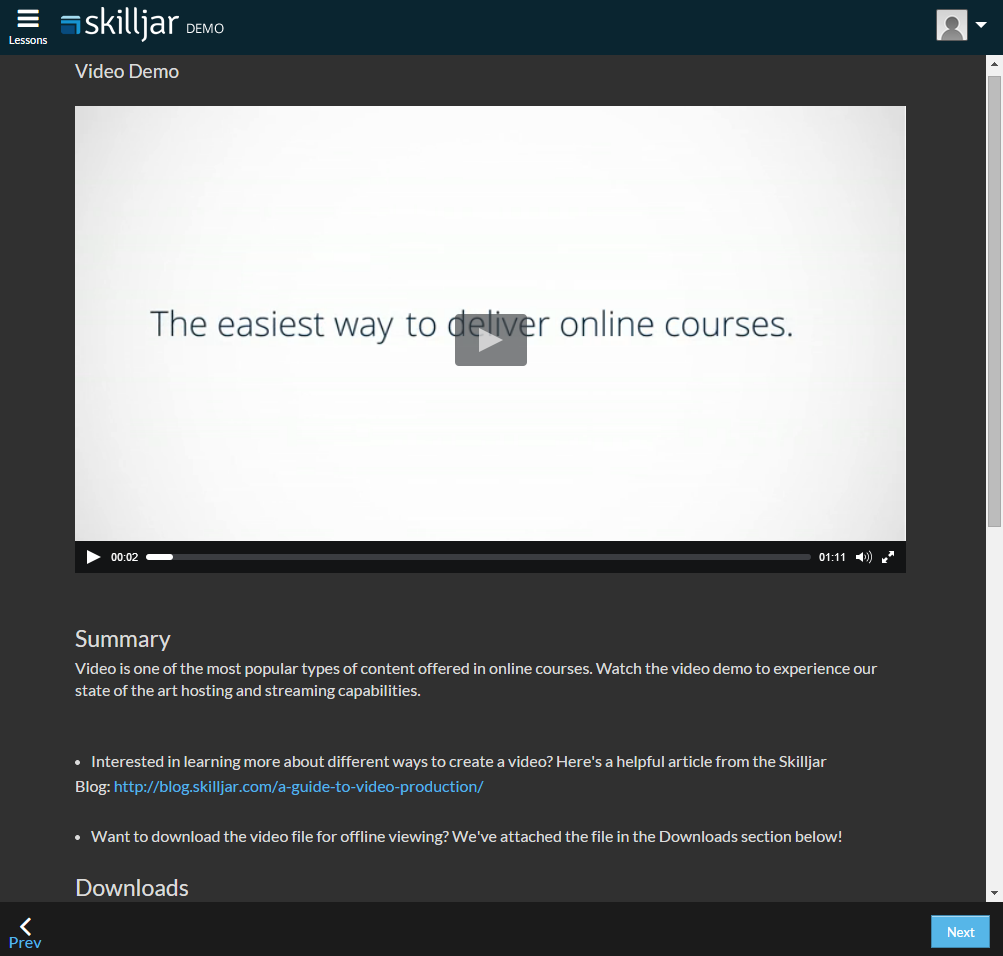
Customizing the Student Lesson Display
There are several options available to customize the way lessons display to students. The options are listed below. To manage these settings, navigate to the Theming section of the instructor dashboard and click on specific Theme name. The below settings are found in the "Lesson Settings" section.
Lesson Details Open/Closed
You can choose whether the lesson details (summary and comments sections) display as open or closed for students.

Auto-open (check to enable):

Details position
Select where you would like Details to display: to the right, left, or bottom of the main content.
The image above demonstrates details positioned to the right (default).

Bottom: