Advanced Program Analytics
This article explains how admins can analyze an advanced program in Journey Orchestrator.
This article explains how admins can analyze an advanced program in Journey Orchestrator.
Overview
The Analytics tab appears at the top panel once the program is published. It enables you to monitor the participants' actions with your program and allows you to view the corresponding participants' list by clicking on the available metrics.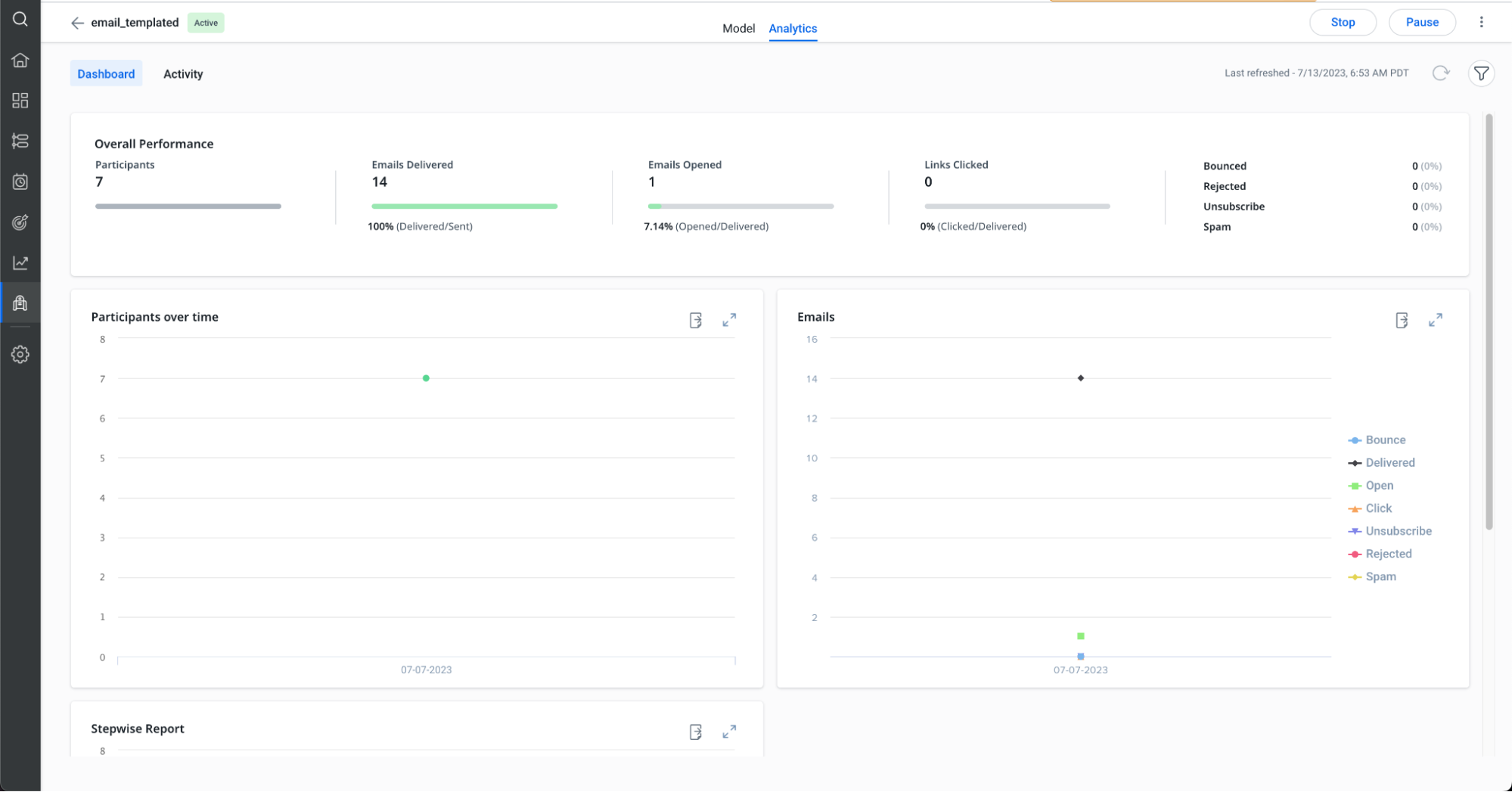
View Participant’s Activities
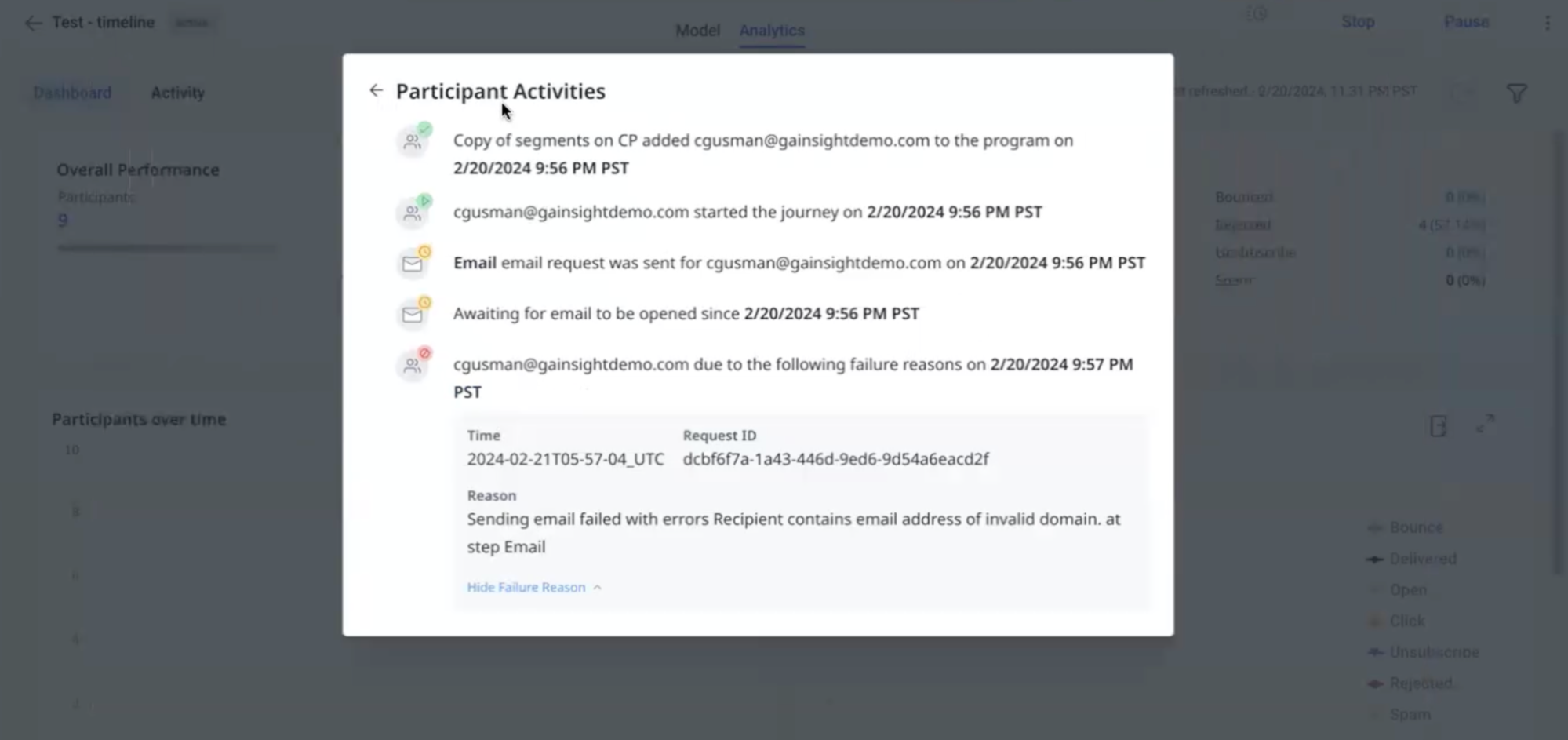
Admins can access an overview of participant activities within a program through the Analytics tab. This feature allows admins to monitor each participant's actions and progress. Moreover, in instances where participants are dropped from the program, it provides insight into the reasons for their removal.
To view participants activities:
- Navigate to Digital Journey > Programs.
- Click the required program having an Active status.
- Select the Analytics tab.
- In the Overall Performance section, click Participants widget. The Participants window appears.
- Click the required Participant’s ID. The Participants Activities window appears.
- (Optional) Click View Failure Reason to display the reason why the participant has been dropped from the program.