Gainsight NXT
This article explains how to set up different rules actions.
Gainsight recommends reading the configuration of the Rules Details, Data Setup, and Schedule steps before reading this article. For more information, refer to the Create New Rule section of the Rules Engine Horizon Experience Overview article.
Setup Actions
The following are the types of actions available in Rules Engine:
Note: You can add a maximum of 50 Action Types for a rule.
Gainsight has Customize Mapping options for admins who want to modify the incoming picklist values. Admins can cancel this option If they want to map the same picklist values.
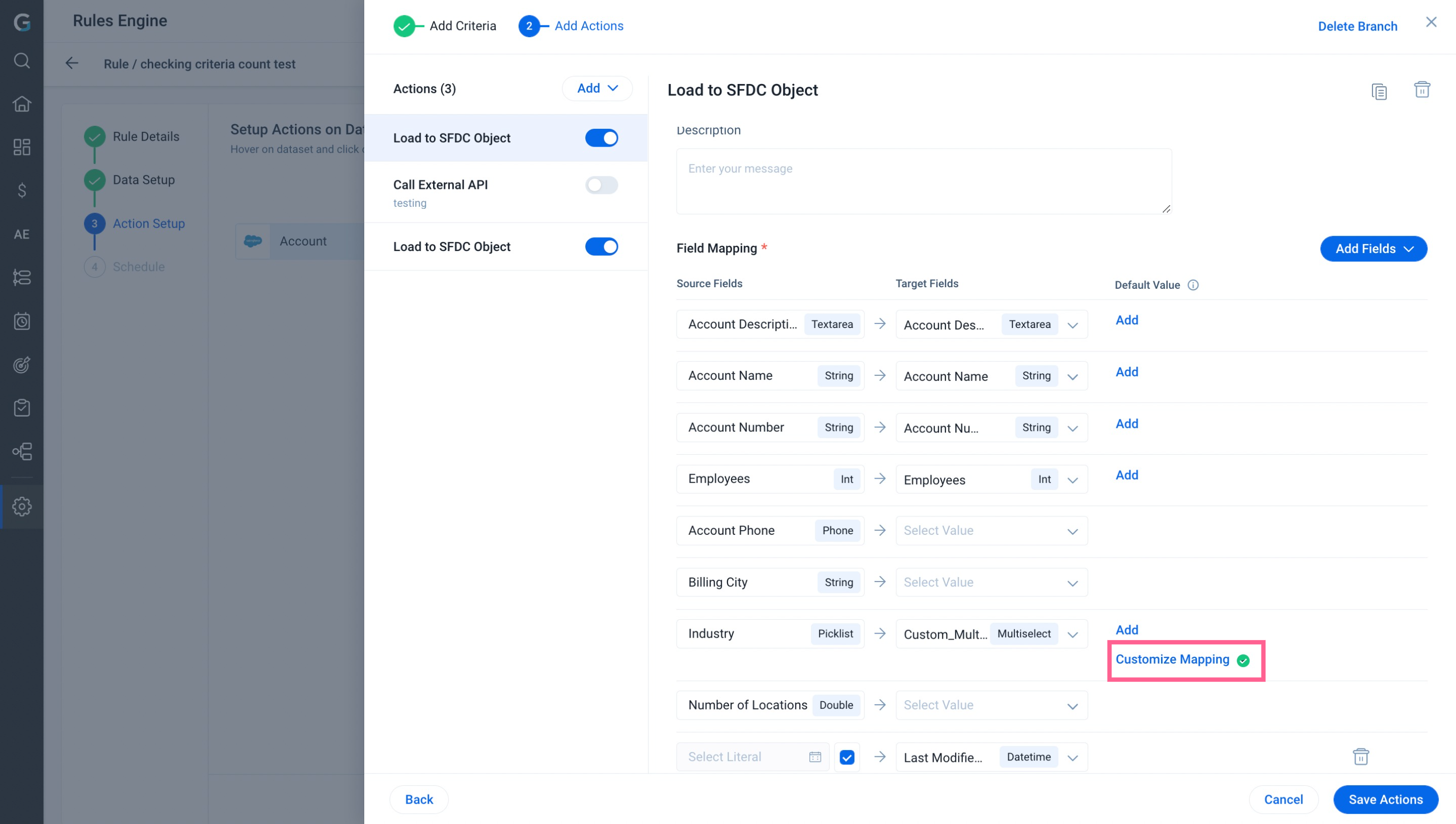
By default, this checkbox is selected for a rule with a cross data source picklist, and mapping is mandatory. For the same picklist values, this checkbox is not selected.
Note: Gainsight does not display any inactive picklist values because they can cause rules to fail.