IMPORTANT
The functionality described in this article is not applicable to the Skilljar Starter package.
Skilljar will send out a notification email to the Organization Email when changes have been made to your Salesforce authentication.
Possible Alerts:
When someone re-authenticates your Salesforce instance
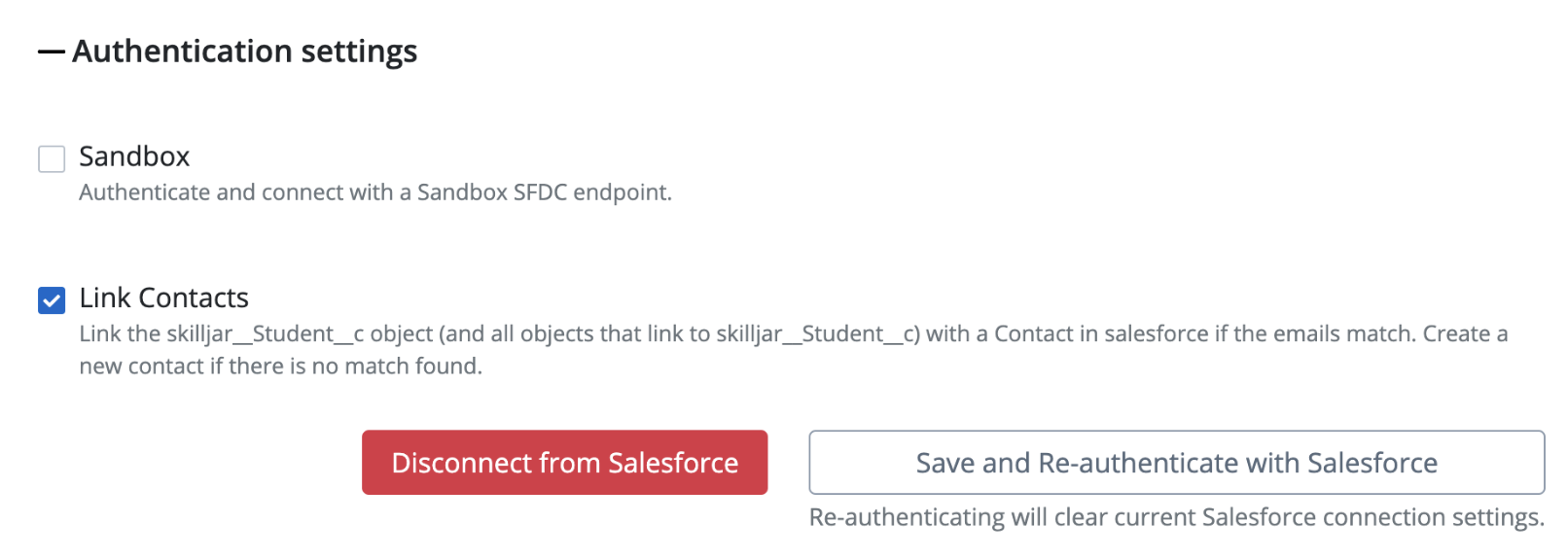
Note: When a user selects the “Save and Re-authenticate with Salesforce” button but doesn’t follow the steps to re-authenticate, the connection between Skilljar and Salesforce will remain intact
When someone selects the "Disconnect from Salesforce" button
Note: To disconnect Skilljar from your Salesforce, users need to select the red button that says “Disconnect from Salesforce”
Alert Email Examples:
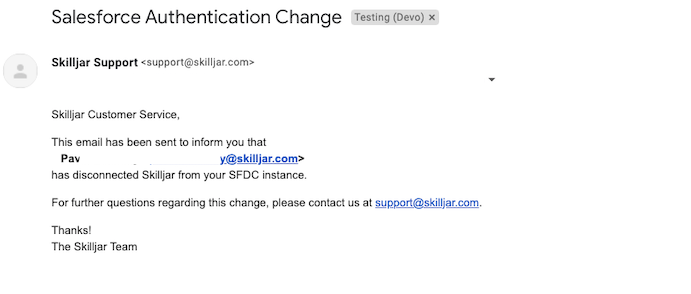
A user has disconnected Skilljar from your Salesforce instance:
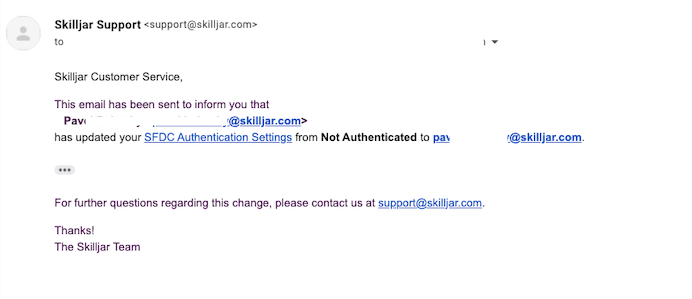
A user has updated your Salesforce Authentication Settings from Not Authenticated to a new email:
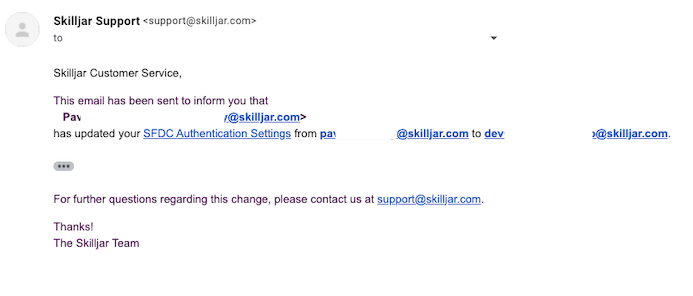
A user has updated your Salesforce Authentication settings from Emaii A to Email B
Your Salesforce integration has stopped processing data from Skilljar due to authentication or API issues.
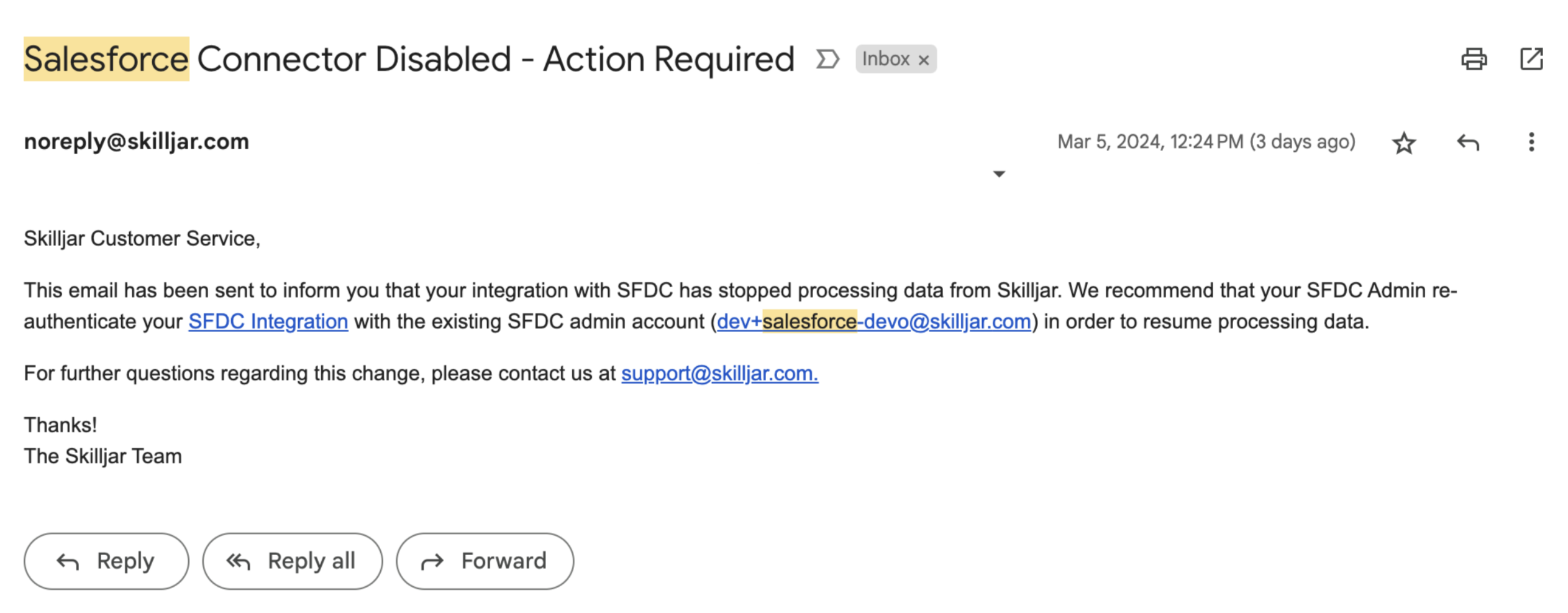
After re-authenticating your account, you can recover data missed during the outage using our self-service backfill tool. For more information, refer to Salesforce: Reconnecting and Self-Service Backfill article.