Release Date: 25th November, 2026
Bring Gainsight Experiences Together with DCH Integration
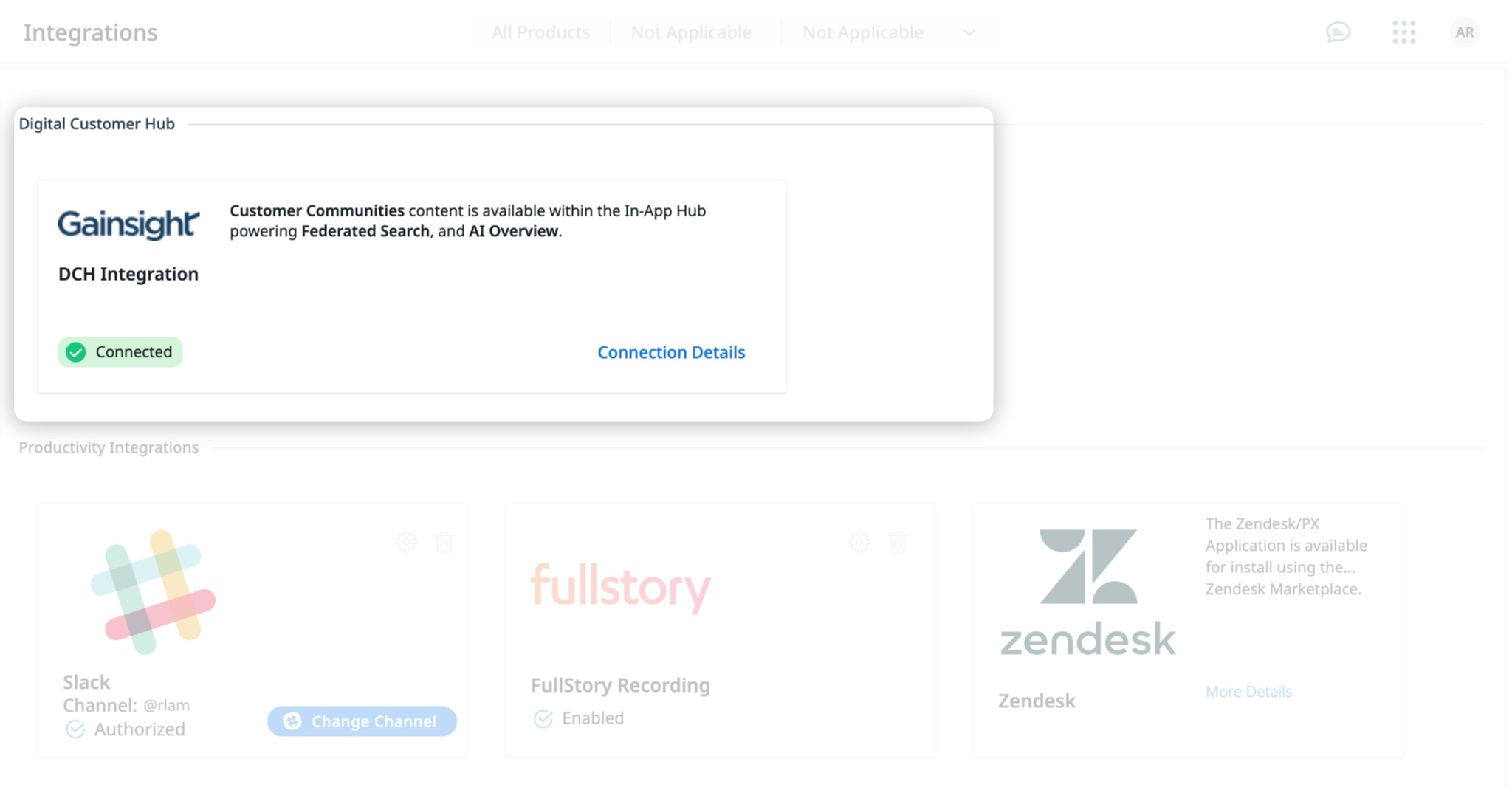
Gainsight PX introduces Digital Customer Hub (DCH) Integration that brings Gainsight Customer Communities and Skilljar content directly into the PX In-App Hub. This integration creates a unified destination for users to discover relevant community discussions, courses and knowledge resources without leaving your application.
DCH Integration powers advanced capabilities such as Federated Search and AI Overview, helping users find relevant information and access contextual resources within their product experience.
The integration is managed through the Customer Communities, where administrators can connect their PX subscription. Once connected, PX administrators can access DCH-powered capabilities and configure Community Categories and Product Areas directly within In-App Hub.
Key Highlights
Unified access to content: Bring Customer Communities content into In-App Hub to provide a connected self-service experience.
AI-powered content discovery: Enable Federated Search and AI Overview to help users discover relevant information across connected content sources.
Unified user authentication: Securely identify users and provide access to authorized Community content within In-App Hub without requiring a separate login.
Simplified integration management: Manage the PX connection through Customer Communities, with no additional connection credentials required in PX.
Seamless migration: Switch from the existing CC integration to DCH without disrupting existing In-App Hubs when the connected Community URL remains unchanged.
NOTE
Existing customers with an active CC integration can continue using their current connection. Migration to DCH Integration requires an explicit administrator action and is not automatic.
For more information on how to use the DCH integration refer to the Gainsight PX DCH Integration article.
Unlock Smarter Content Discovery with Federated Search
Gainsight PX introduces Federated Search in In-App Hub, enabling users to search across Gainsight Customer Communities, Skilljar and PX content from a single search experience. Powered by Digital Customer Hub (DCH) Integration, Federated Search brings community discussions, knowledge articles, and product content together, helping users find relevant information without navigating multiple platforms.
.png?sv=2026-02-06&spr=https&st=2026-11-25T14%3A23%3A43Z&se=2026-11-25T14%3A36%3A43Z&sr=b&sp=r&sig=hXPJe0%2BtNk%2ByBpY5x1FM1E32LlQS1xaqx6ZPwI588IQ%3D)
With AI Overview, users can also receive AI-generated answers to their questions, along with relevant sources, making it easier to find information and resolve questions directly within the application.
Key Highlights
Unified content discovery: Search across Customer Communities and PX content from a single search interface.
AI-powered answers: Turn on or off AI Overview to display AI-generated answers with supporting sources, helping users find relevant information quickly.
In-app self-service: Help users discover relevant community discussions, knowledge resources, and product content without leaving the application.
NOTE
Federated Search requires an active DCH Integration. Existing In-App Hubs continue using Legacy Search unless Federated Search is explicitly enabled.
For more information, refer to the Configure In-App Hub article.
Release Date: November 04, 2026 (EU | US)
Enhancements
In-App Hub
Simplify In-App Hub Management and Configuration
Building on the recent improvements to the In-App Hub setup and configuration experience, this release introduces additional updates to make hub management and configuration more consistent and easier to complete within a single workflow.
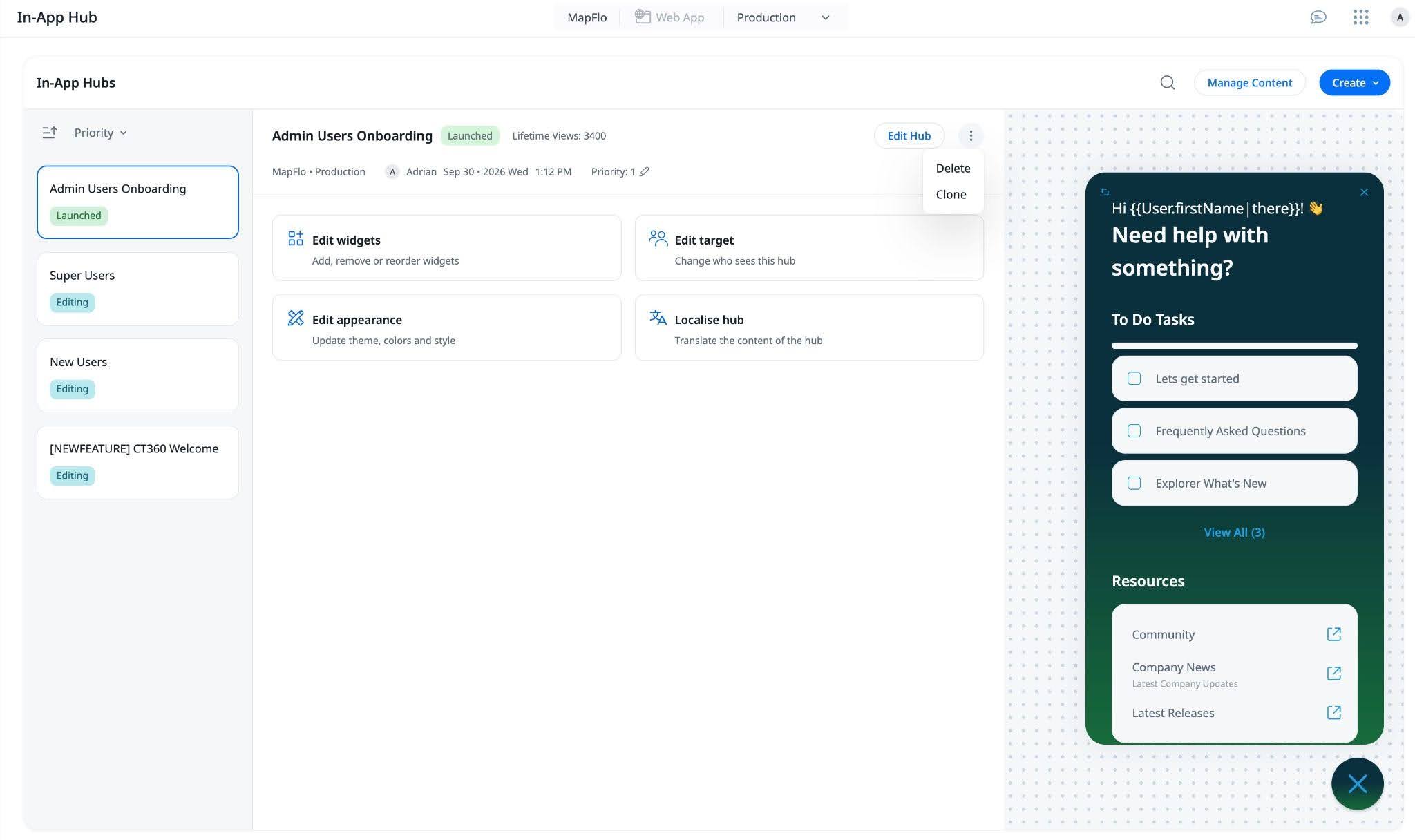
With this enhancement, you can:
Manage In-App Hubs from a unified workspace: View and manage all In-App Hubs from an updated list experience that brings hub status, priority, key details, and configuration shortcuts together in one place. Select a hub to review its configuration or quickly access widgets, appearance, targeting, and localization without navigating through multiple screens.
Access Content Library while configuring a hub: Open Content Library directly within the In-App Hub configuration flow to find and add content without leaving the workflow.
Switch freely between widget layouts: Change between supported widget layouts as your presentation needs evolve, without the previous restrictions on which layouts you could select. This makes it easier to adjust how content is presented without being limited by the widget’s current layout.
Connect Customer Communities directly from the Community widget: If Customer Communities is not connected, start the connection directly while configuring the Community widget. This removes the need to leave the In-App Hub workflow, configure the integration separately, and return to finish setting up the widget.
These updates further consolidate In-App Hub management and configuration into a guided workflow, helping reduce navigation and simplify common setup tasks.
For more information, refer to the In-App Hub - New Editor set of articles.
Engagements
Trigger Survey Engagements on Every Eligible Event
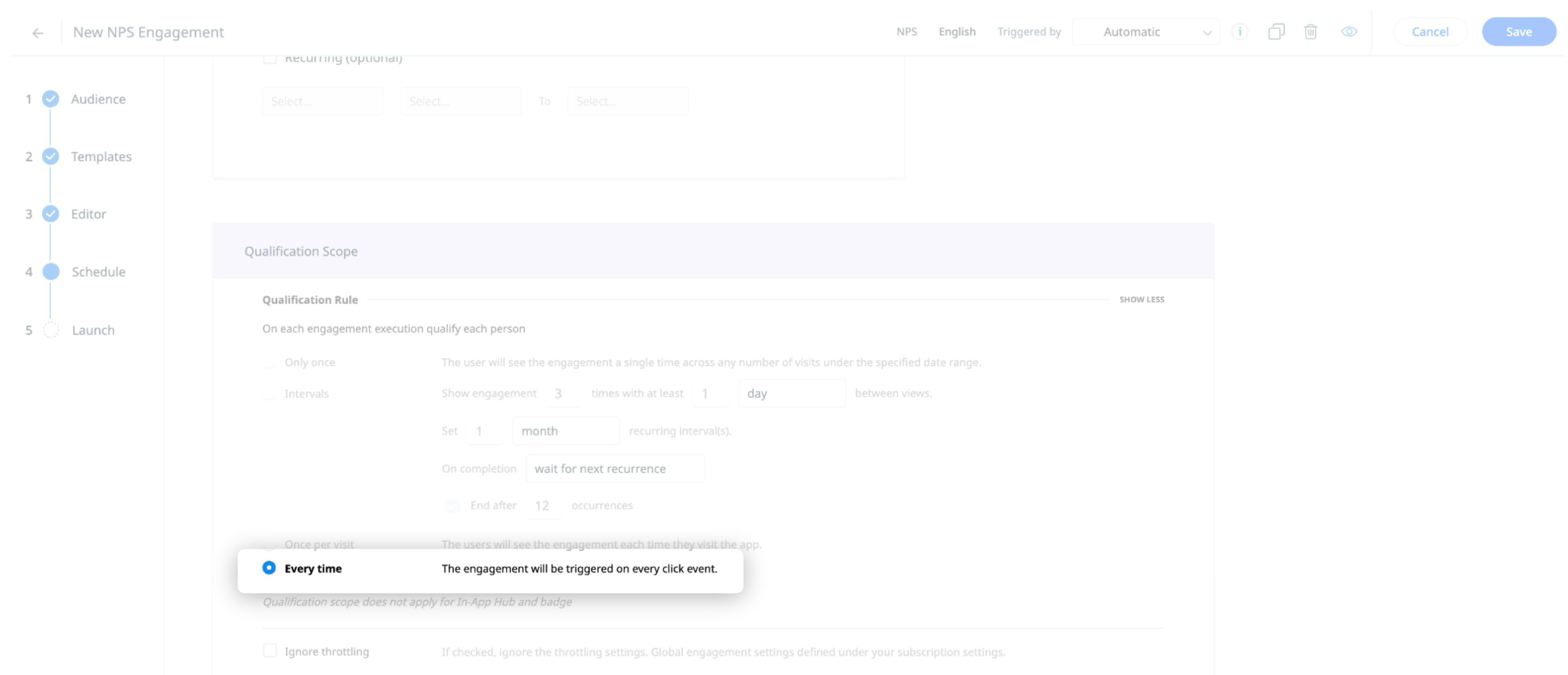
Use the Every time trigger option for web survey engagements to display surveys on each qualifying click event. This allows you to collect feedback across recurring user interactions.
For more information, refer to the Engagement Scheduler article.