IMPORTANT
The functionality described in this article is not applicable to the Skilljar Starter package.
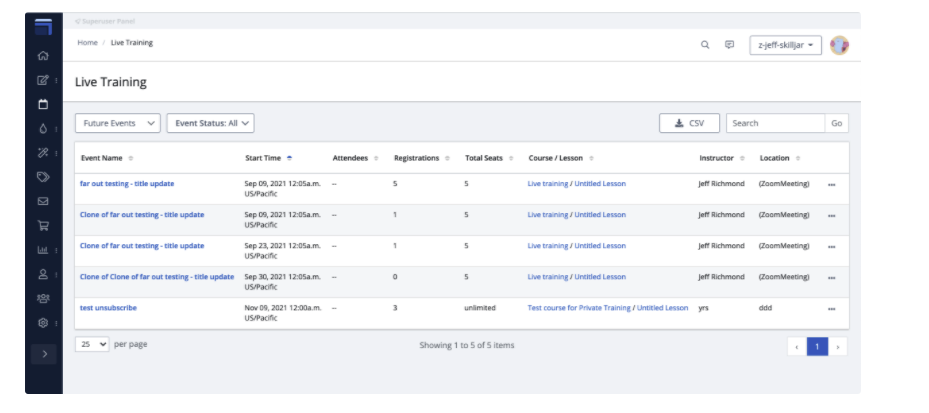
The Live Event Table will show you any Live Event created for a lesson in a table format, allowing you to filter, sort, and search for a specific event. The default filter is set to show you all Future or upcoming events.
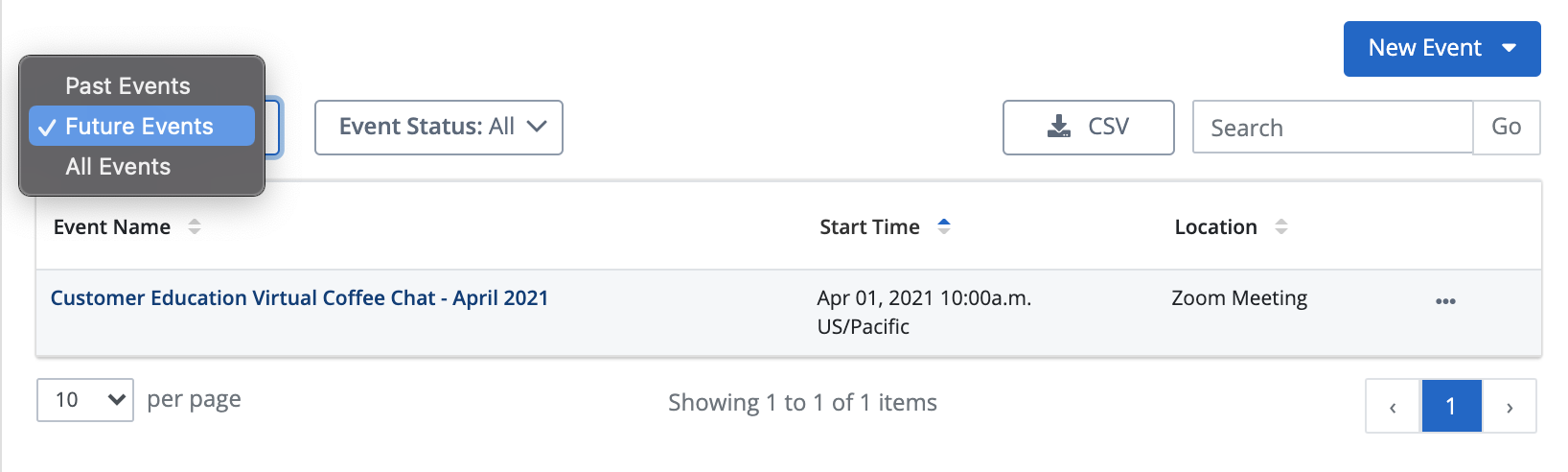
The Events table can be filtered by event type (Past Events, Future Events, or All), and/or event status (Active, Cancelled, or All).
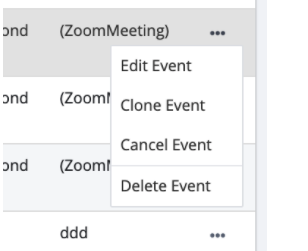
Each column is sortable. By selecting the column label, you can rearrange events within the table to sort them by ascending or descending order. The sorting default is by “Start Time” ascending. You can clone, cancel or delete the event by clicking the three dots to the right.
Cloning/Editing Events will bring you BACK to the ILT table after you Save your event