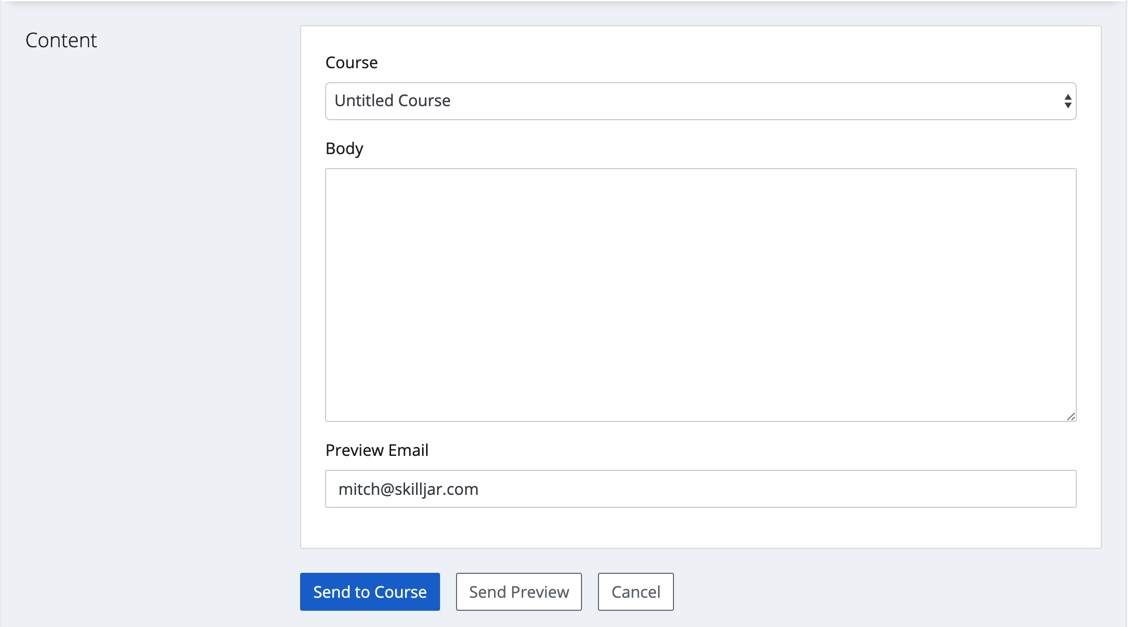
You can preview and send course announcements to everyone who has registered for a course through the Skilljar Dashboard.
- Go to dashboard.skilljar.com and login with your email address and password
- Click on either the image icon for Announcements
- Select Create Announcement or you can view any announcements that you have already sent
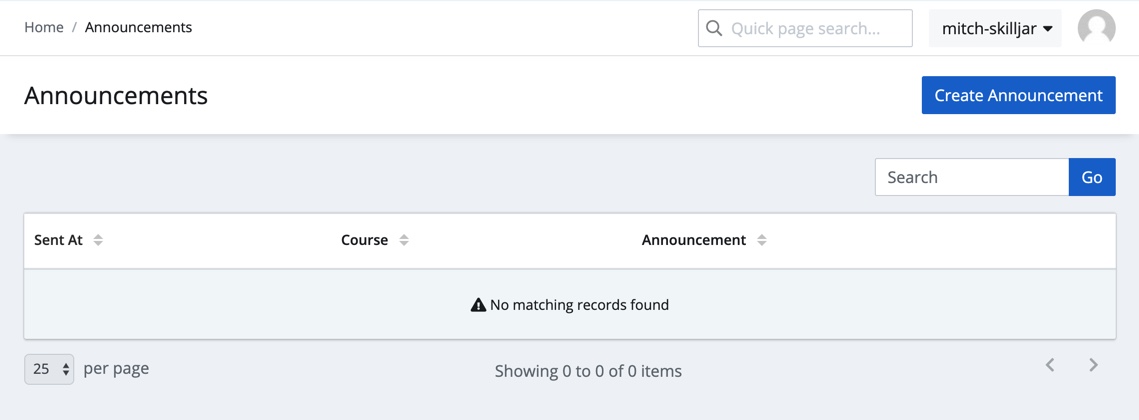
Creating a new Announcement
- Select Create Announcement
- Select the course whose registrants you want to send an announcement to.
Note: announcements are based on courses, so (1) they can only be sent to one course’s registrants at a time, (2) the announcement is sent to all current and completed/expired registrants for the selected course, and (3) if the course is published on multiple domains, the announcement will be sent to users registered for that course across all domains. - Type your message into the body field
- Select Send Preview to send yourself a preview of the announcement email (the Preview email field automatically provides your instructor email address, but you can input a different email address if you like)
- Select Send to Course when you are ready to send the announcement to all course registrants