
Submit Product Ideas and Subscribe to Product Updates on Gainsight's Community
Submit a Product Idea
If you have an idea to share, follow the steps below to submit it:
- Head to https://communities.gainsight.com/
- Select the 'Ideas' tab
- Scroll down the page to 'Filter by product area'
- Select 'Skilljar by Gainsight'
- Select 'Create an Idea'
- Login to your Gainsight Customer Community account or create an account
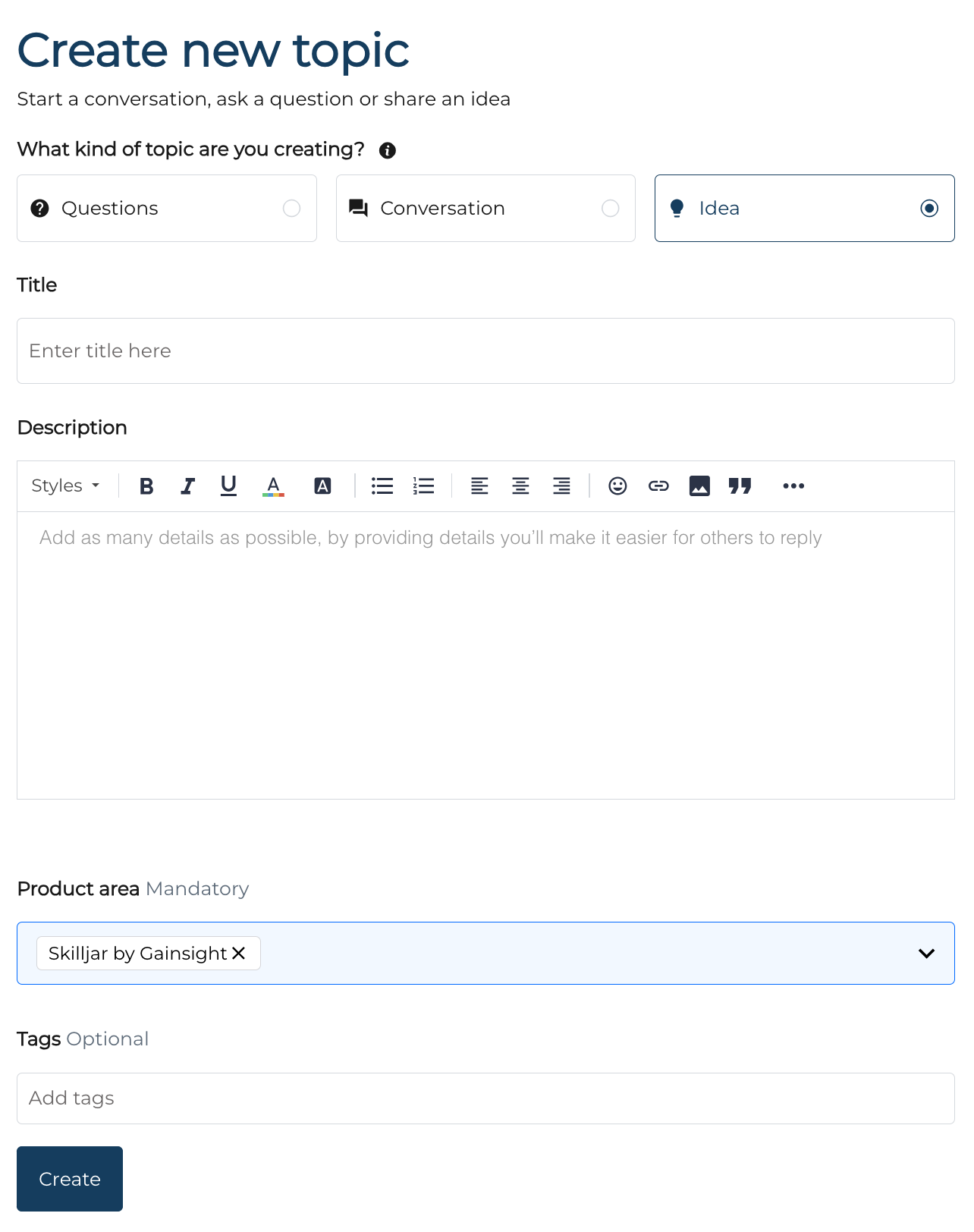
- On the 'Create new topic' page, select 'Idea' as the topic type. Add a clear title and a detailed description—more context helps our team understand, respond, and evaluate your idea effectively.
Subscribe to Product Updates
- Head to https://communities.gainsight.com/
- Select the 'Product Updates' tab
- Select the 'Subscribe' button on the right, if you are not logged-in, it will prompt you to login to the Gainsight Community or create an account.
Note: When you subscribe to Product Updates, you’ll receive an email whenever a new update is posted—across all of Gainsight’s product areas.