---
title: "Sending data to Gainsight PX"
slug: "sending-data-to-gainsight-px"
updated: 2026-11-23T12:33:07Z
published: 2026-11-23T12:33:07Z
canonical: "support.gainsight.com/sending-data-to-gainsight-px"
---
> ## Documentation Index
> Fetch the complete documentation index at: https://support.gainsight.com/llms.txt
> Use this file to discover all available pages before exploring further.
# Sending data to Gainsight PX
IMPORTANT
**The functionality described in this article is not applicable to the Skilljar Starter package.**
With Skilljar, you can send student registration, student activity, and training activity data directly to [Gainsight PX](https://www.gainsight.com/product-experience/). The benefits include:
- Enabling your team to instrument the student experience by tracking student usage
- The ability to launch in-app engagement surveys to capture course feedback, ideas for new content, or overall satisfaction
- Automatically capturing student data, such as first name, last name, email address, job title, and more
- Syncing training engagement activity (registrations, completions, etc.) with other Gainsight products
*By leveraging out-of-the-box functionality from Skilljar and Gainsight PX, this initial configuration should take approximately 15 minutes.*
**You will need:**
- Your Gainsight PX Product Definition and Gainsight PX Tag Code. Use Gainsight PX's [guide to create a new product](/v1/docs/install-gainsight-px-on-your-web-app) for Skilljar.
## Installing Gainsight PX Tag & Identify code
The easiest way to send data to Gainsight PX is via our Javascript-based events available in the [Theming](/v1/docs/adding-web-analytics-conversion-tracking) area of your dashboard. We call Gainsight PX's Javascript library to call the identify() Javascript. This can be completed without any developer involvement through the Skilljar Dashboard.
- Navigate to the Skilljar Dashboard > [Themes](https://dashboard.skilljar.com/themes), and expand the **Code Snippet** section.
- In the **Analytics Tracking Code Snippet**, add the general Gainsight PX Tag code snippet to load their tracking library. The code within the **Analytics Tracking Code Snippet** loads on every page. **IMPORTANT:** Before adding the snippet below, you’ll need to replace GAINSIGHT-PX-TAG-PRODUCT with your Gainsight PX Tag Product Key, which you can find in your [project setup guide or settings](/v1/docs/install-gainsight-px-on-your-web-app), highlighted below:
```plaintext
<
```
This tag will also start tracking course catalog page views.
## Tracking and Identifying Skilljar Students
Identifying Skilljar students within Gainsight PX not only tracks current activity, but also associates the activity back to a user. By adding the following code after the code above, Gainsight PX will begin displaying individuals by their names, emails, companies, and signup date, which can also be used to target in-app engagements.
- Navigate to the Skilljar Dashboard > [Themes](https://dashboard.skilljar.com/themes), and expand the **Code Snippet s**ection.
- In the **Global Code Snippet**, paste the following code to start identifying users:
```plaintext
```
## Advanced Configuration
### Sending Additional Student Information to Gainsight PX
If applicable, you can add any custom sign-up field information you are capturing from your Skilljar users to the Gainsight PX Identify call, attaching relevant information directly to the Gainsight PX user.
To accomplish this, replace SIGN-UP-FIELD-NAME in the code below with your exact custom sign up field names from the code snippet in the **Global Code Snippet** section:
```plaintext
```
If you have multiple sign-up fields, you can add them in the same format, separated by a comma.
### Sending Course Enrollment Events
In Gainsight PX, [create a Custom Event](/v1/docs/use-custom-event-api) with the corresponding properties/values.
In the following example, the custom event name would be "Course Enrollment", with "Course Title" as a property.
In the **Conversion Code Snippet**, paste the following code to start tracking the Course Enrollment event. The code within the Conversion Code Snippet only loads upon the enrollment or purchase of a course.
```plaintext
```
Learn more about [Conversion Tracking Advanced Javascript](/v1/docs/adding-web-analytics-conversion-tracking) objects.
### Sending Course Completion Events
In Gainsight PX, [create a Custom Event](/v1/docs/use-custom-event-api) with the corresponding properties/values.
In the following example, custom event name would be "Course Completion", with "Course Title" as a property.
In the **Completion Code Snippet**, paste the following code to start tracking the Course Completion event. The Completion Code Snippet only loads upon the completion of a course.
```plaintext
```
Learn more about [Conversion Tracking Advanced Javascript](/v1/docs/adding-web-analytics-conversion-tracking) objects.
## Using Skilljar Data in Gainsight PX
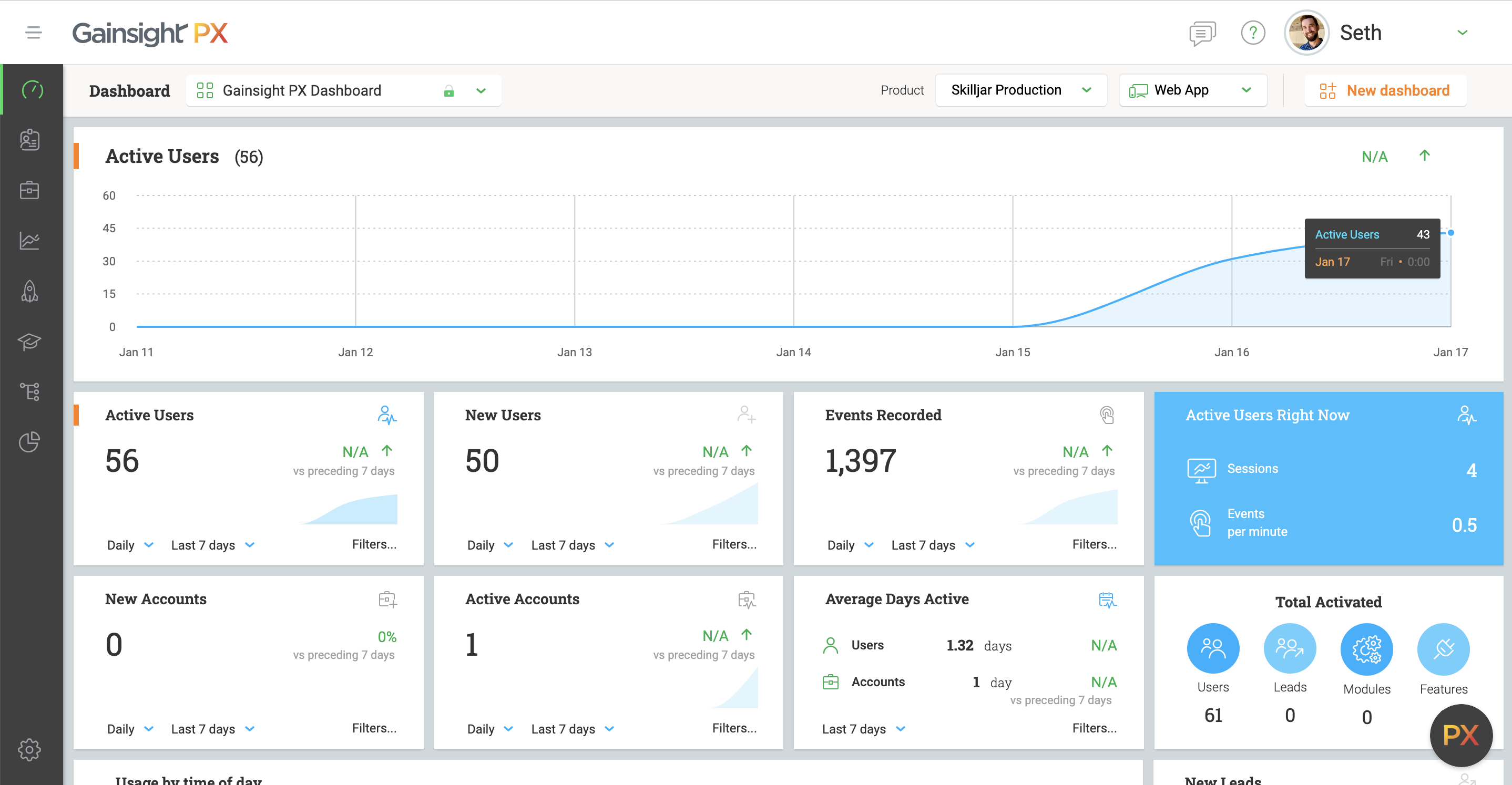
Once you are successfully passing Skilljar data to Gainsight PX, you can start leveraging this insight to create Engagements, launch a Knowledge Center Bot, or review detailed user analytics.